
![P&L Planning 2/10 Navigation [4:26]](https://kb.d2o.com/wp-content/uploads/2023/01/VIDEO01-OVERLAY-400x250.jpg)
planning
P&L Planning 1/10 Purpose and benefits [2:25]
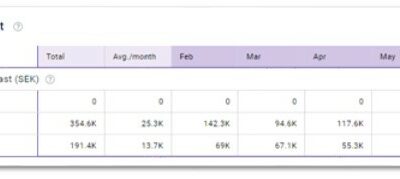
GoGreen plan values explained
Purpose GoGreen planning uses a number of sources from PMI and calculations to generate the forecast values in the planning page. This document gives a deeper explanation of where each value comes from and can be used to double check the data viewed on the page if...
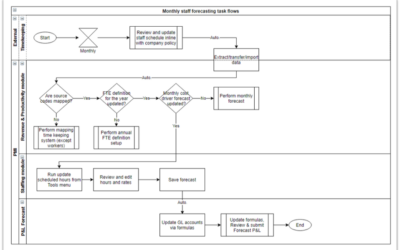
Staffing screen overview
What is its purpose? The planning staff module enables you to review and adjust staffing to meet demand (SMART forecast) all in one screen. The goal is to reduce manual workload and make forecasting less error-prone. You can import scheduled hours and base salaries...
How to edit a plan [3:52]
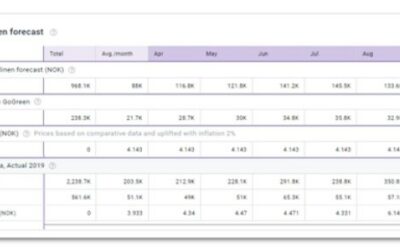
Data table general explained
Purpose of this article This article explains how the Data table works in PMI NextGen planning pages. It helps you understand what the numbers mean, how totals and averages are calculated, and how comparative data supports better decisions. This article explains...
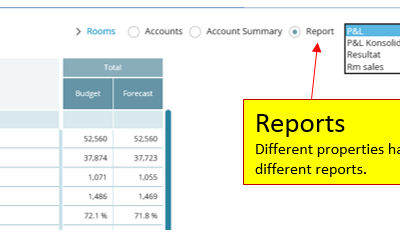
How to build a P&L planning report
Summary The P&L Report Builder allows you to create, manage, and customize Profit & Loss reports for your organization. Reports are built using sections, values, and blank rows. Values retrieve information from a variety of data sources, such as financial...

How to modify a P&L report
What is its purpose? View options allow you to control how data is displayed in P&L reports and focus on the figures most relevant to your analysis. Navigation P&L reports → Tools → View optionsDepartments/Properties Shows additional detail within the...
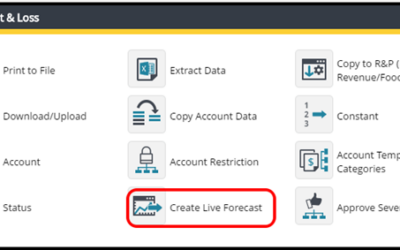
How to set up a weekly Live forecast
Summary This chapter describes how to make a Live Forecast/Weekly Forecast in Planning at any time. This functionality may be used when requirements exists to produce a weekly P&L forecast in addition to a monthly P&L forecast that is the standard best...
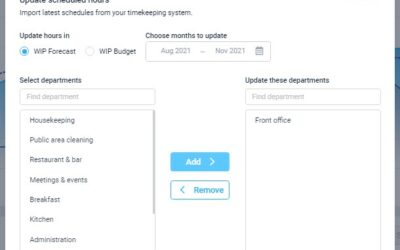
How to edit and update using the staffing tool
What is its purpose? The planning staff module enables you to review and adjust staffing to meet demand (SMART forecast) all in one screen. The goal is to reduce manual workload and make forecasting less error-prone. You can import scheduled hours and base salaries...