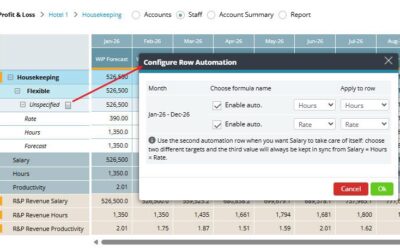
You can now lock GoGreen consumption periods in addition to Revenue & Hours (R&P). This means manual edits to GoGreen actuals (e.g., electricity, gas, chemicals) can be restricted once the data has been reviewed or reported. More improvements: The Period...
Eldorette Hines
Clearer visibility of actual performance against the SMART hours in Cockpit
You can now see more easily how your actual performance compares to your SMART forecast directly in the Cockpit, for both hours and labor cost. A new comparison bar highlights the difference, making it even easier to spot where performance is above or below your...
Sick leave short-term hours view option in Benchmarking
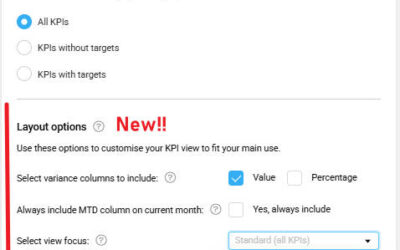
You can now choose to view ‘Sick leave short-term’ hours as a separate column in Benchmarking. What’s new:The ‘Total absence’ column (showing hours and a percentage of total hours) has been part of the Benchmarking Productivity view.A new option in your view settings...
Labour cockpit – Understanding Smart MTD vs. Smart Month-End Hours
Smart MTD hours (month-to-date) and Smart Month-End hours represent different time perspectives of the same Smart forecast.Smart MTD shows the cumulative Smart hours up to the current date, while Smart Month-End shows the full-month projection.The way these hours are...
Last Year productivity shows as 0 in Budget & Forecast Issue
The Last Year productivity column in Budget & Forecast may display as 0.00, even though actuals (hours, room nights, revenue) exist for the period. Symptoms In Budget & Forecast, LY productivity = 0. In Cockpit, LY hours are visible. In Live Forecast, LY cost...