interface

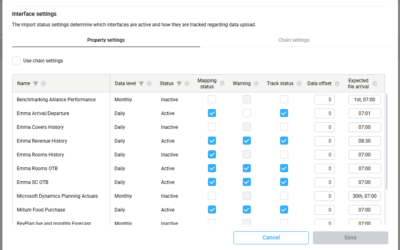
Understanding the Import status settings

Understanding the Import status settings

Introduction Import status settings define how PMI monitors incoming interface data and determines when warnings should appear for delayed, missing, or unsuccessful imports. These settings help users understand when expected interface data has not arrived, could not...
read more
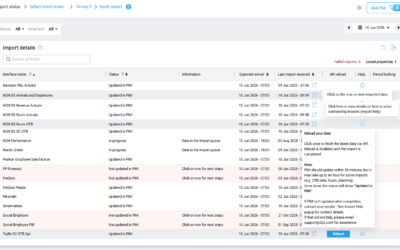
How to read the Import status page

How to read the Import status page

Purpose The Import status page helps you monitor whether PMI has received and processed the latest interface data for your properties. Use this page to quickly identify delayed, missing, or incorrect imports before they affect reporting, forecasting, or operational...

read more
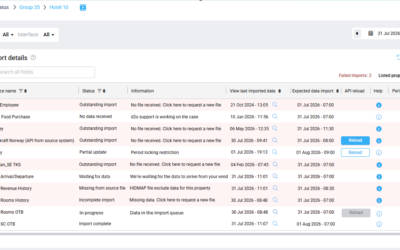
Import status overview

Import status overview

Purpose The Import status page in PMI provides an overview of data imports across properties and interfaces. It helps users monitor whether data has been successfully imported into PMI and identify imports that may require attention. The feature improves visibility...

read more
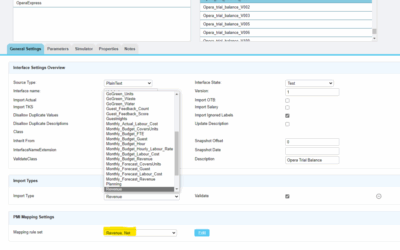
Mapping rules explained

Mapping rules explained

What are mapping rules? Mapping rules are designed to help users avoid the most common mapping errors by providing good and viable options. Predefined, generic mapping rules can prevent “Not Applicable” combinations such as mapping Room revenue to Front office, which...

read more