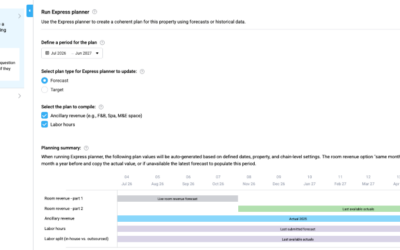
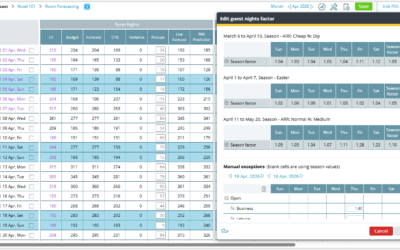
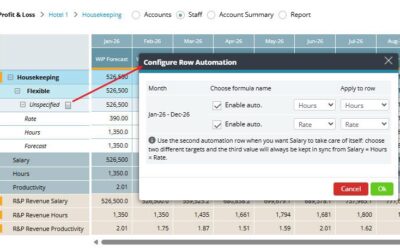
View and manage arrivals, departures, and stay-over statistics directly in Budget and forecast. Arrivals, departures, and stay-over statistics are now available in the Budget and forecast module. This allows you to review monthly totals and adjust them when needed,...
release notes
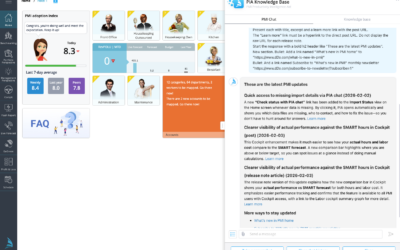
PIA chat powered by GPT-5.1 is now available to all users
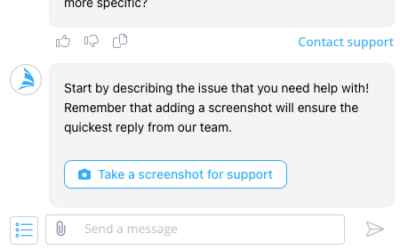
We’re excited to announce that PIA, your PMI chatbot, is now available to all users! You can access PIA Chat anytime via the “Ask PIA” icon in the top-right corner of your screen. Powered by GPT-5.1, PIA delivers faster, smarter, and more context-aware answers to help...
What’s new in PMI – Release notes
We’ve introduced a new home for PMI release notes. Starting with 2026 releases, all updates are now published in this new, improved format to make it easier for you to stay informed about the latest features, enhancements, and improvements. Release notes from 2025 and...
Period locking – GoGreen consumption periods can now be locked
You can now lock GoGreen consumption periods in addition to Revenue & Hours (R&P). This means manual edits to GoGreen actuals (e.g., electricity, gas, chemicals) can be restricted once the data has been reviewed or reported. More improvements: The Period...
Clearer visibility of actual performance against the SMART hours in Cockpit
You can now see more easily how your actual performance compares to your SMART forecast directly in the Cockpit, for both hours and labor cost. A new comparison bar highlights the difference, making it even easier to spot where performance is above or below your...
Quick access to missing import details via PIA chat
A new link has been added to the Import Status view on the Home screen when data is missing. By selecting “Check status with PIA chat”, PIA will open and automatically display: The missing data files Relevant contact information Guidance on how to resolve the issue...
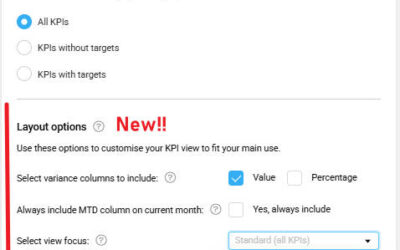
Sick leave short-term hours view option in Benchmarking
You can now choose to view ‘Sick leave short-term’ hours as a separate column in Benchmarking. What’s new:The ‘Total absence’ column (showing hours and a percentage of total hours) has been part of the Benchmarking Productivity view.A new option in your view settings...