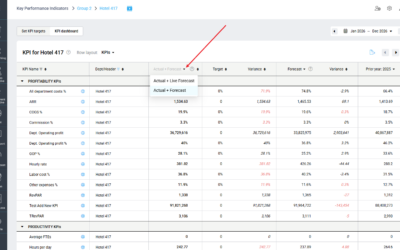

Issue: Some dates in the Live forecast may show a red warning triangle, indicating that PMI prediction could not generate an automated forecast for that date.
This usually happens when:
• There is insufficient historical data
• Many historical dates for that day have been marked as outliers or excluded
What to Look For:
- A red warning triangle appears next to the date in the Live Forecast
- This icon signals that the system could not generate a forecast
- Hovering always display a text
What to Do:
- Click the triangle or review the flagged date
- Consider whether the activity is linked to a one-off event (e.g., concerts, closures), but keep in mind that if there isn’t enough historical data, this limitation cannot be influenced by the user.
- If PMI cannot generate a forecast for a specific date, enter a manual value to maintain reporting accuracy — but note that manual forecasts do not influence future automated predictions. Only manually added outliers in the season calendar can affect future forecasts.
Related: To learn how PMI Prediction filters out unusual events so they don’t distort future forecasts, see What is an Outlier?”