profit and loss

How to manually enter a revenue budget in PMI

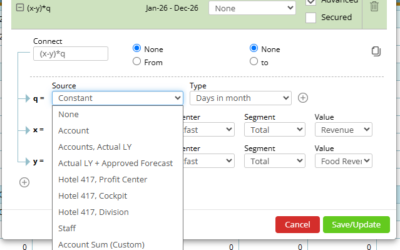
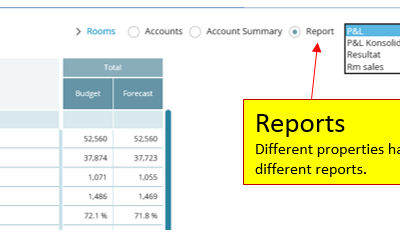
Objective  You’ll learn how to manually enter revenue budgets in PMI for specific departments and time periods.  Requirements - You must have access rights to the Budget & forecast module in PMI.  - Know which department and period you want to enter the budget...

read more
How to edit and update using the staffing tool

How to edit and update using the staffing tool

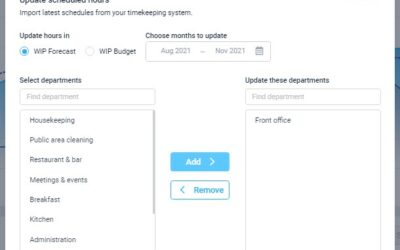
What is its purpose? The planning staff module enables you to review and adjust staffing to meet demand (SMART forecast) all in one screen. The goal is to reduce manual workload and make forecasting less error-prone. You can import scheduled hours and base salaries...

read more
How to copy from reference

How to copy from reference

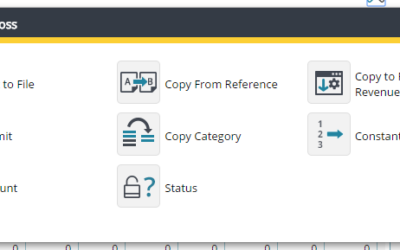
Summary The “Copy From Reference” function in PMI’s Planning and Profit & Loss (P&L) modules allows users to efficiently populate their current working version with data from a selected reference version. This is particularly useful when transitioning from an...

read more