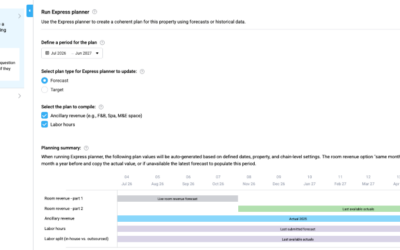

If Live forecast shows a large gap versus OTB (e.g. OTB = 97 RN and Live = 37 RN), first check the update method.
Go to: Live forecast → Tools → Configuration settings
Under Live forecast update method, verify:
- Auto: Updates when new external file is imported
- Auto: PMI prediction updates daily ✅ (recommended if you do not import forecast files)
If “Updates when new external file is imported” is selected and no forecast file is uploaded, the Live forecast will not refresh and may not reflect current OTB.
👉 If you are not using forecast imports, switch to: Auto: PMI prediction updates daily
This ensures the Live forecast is recalculated daily and aligned with OTB + expected pickup.