
Coming soon! Refreshed User settings now also including PMI learning achievements.
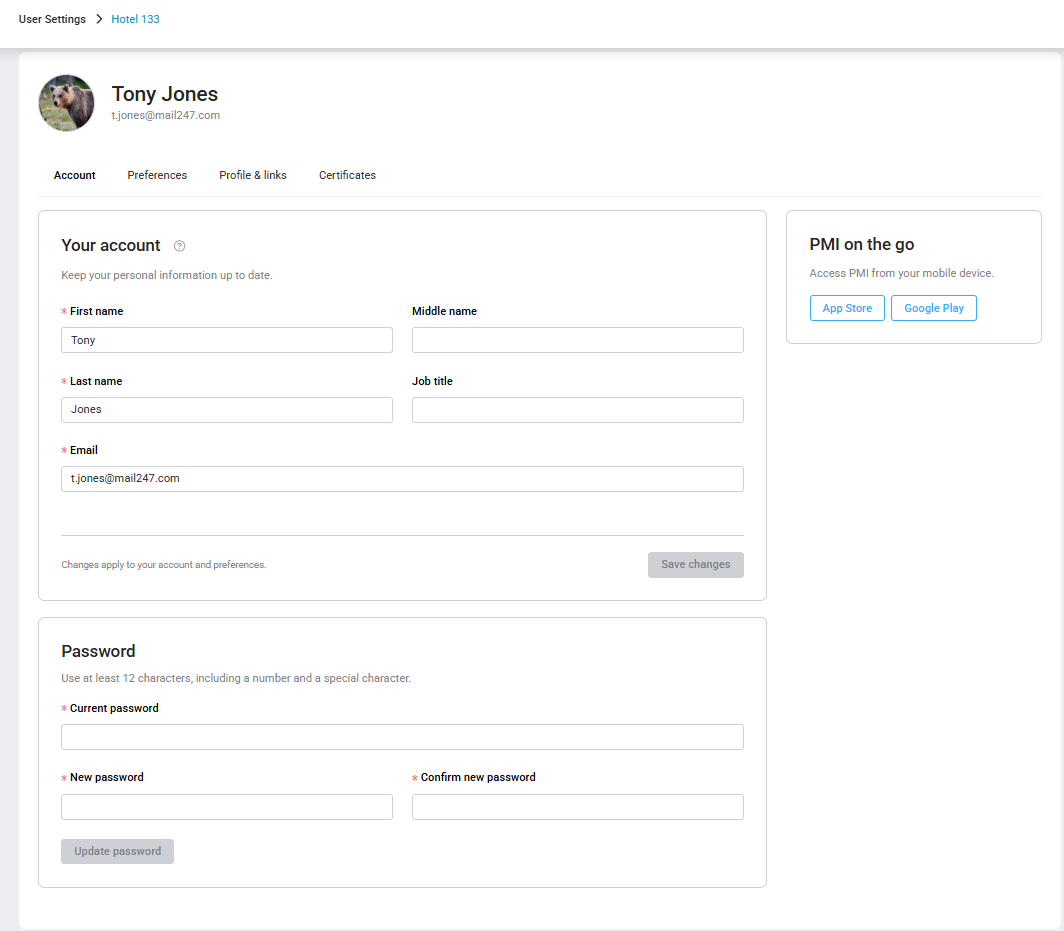
The updated User settings page makes it easier to manage your account, personalise PMI and access your learning achievements.
All users can add an optional avatar and social media links under Profile & links.
If you have completed PMI onboarding, you will also see the Certificates tab. Here you can view and download your available certificates, add them to your LinkedIn profile or share your achievement in a LinkedIn post.
Your certificates remain private until you enable public sharing. Nothing is posted to LinkedIn automatically.
Open User settings from your account menu to explore.
For more information, see User settings – Manage your profile