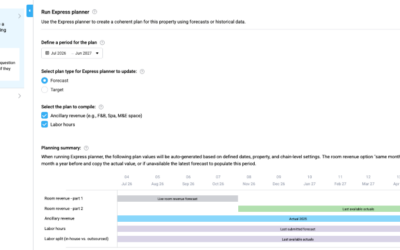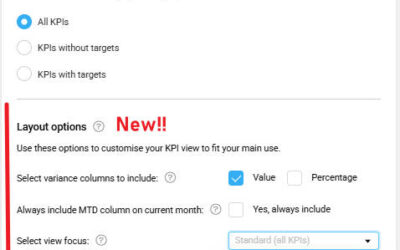

The KPI Targets page now includes several usability improvements that make it easier to navigate KPI structures and manage filters across properties and departments.
Note: As part of this update, the page layout and filtering experience have been improved. Some elements may appear slightly different from earlier versions.
At a glance
This update includes:
- Improved page header and navigation
- Excel-style column filtering
- Warning banner for missing department mappings
- Smarter defaults when opening a new KPI target year
Who can use it
This enhancement is available to chains where the KPI Targets module is activated.
If your organization is interested in using KPI Targets, please contact support@d2o.com for more information.
What has changed
- Cleaner page header and filters
- The page header has been simplified and the breadcrumb now clearly shows whether you are viewing Group / All Properties or Group / Property.
- Warning banner for missing department mappings
- A warning banner now alerts users if departments are not mapped in the alternative hierarchy.
- Smarter KPI defaults
- When opening a new year with no KPI targets defined, PMI will now automatically display all KPIs to prevent blank screens.
- Improved hierarchy filtering
- The department/header column now supports full filtering, making it easier to navigate large KPI structures.
- Upgraded column filters
- Column filters have been modernized with an Excel-like filtering experience. Additional improvements include:
- “Total” rows to separate group KPIs from hierarchy selections
- Improved logic in the Restricted column to clarify available choices
- Column filters have been modernized with an Excel-like filtering experience. Additional improvements include:
Why this is useful
These improvements make the KPI Targets page easier to navigate and manage, especially for users working with many KPIs across multiple departments or properties.
Learn more
To understand how the filters work, see Filtering data in PMI tables