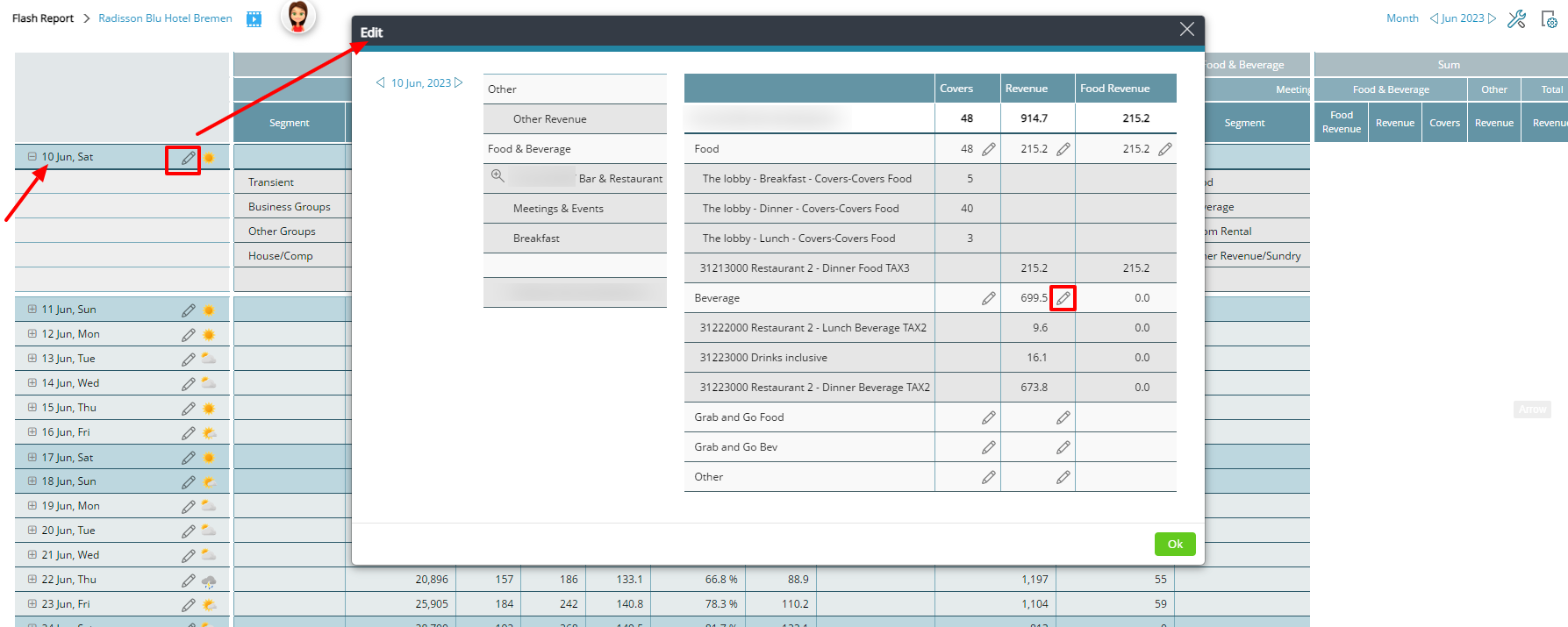
You can edit the revenue in the Flash report for past days by clicking on the pen next to the date.
One reason for editing could be that revenue was registered on a wrong day in PMS or POS. In order to get correct historical data, you may remove that revenue from one day and add it to another day. You may also use this function when entering data manually, i.e if you don’t have an integration to a PMS system.