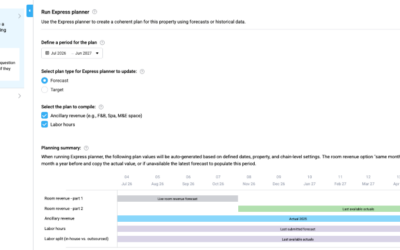

If some rooms are temporarily closed due to renovation, you can adjust your forecasts in PMI to ensure productivity and cost-driver metrics remain accurate.
1. Adjust Cost Drivers in the Forecast: To reflect reduced room availability:
- Go to the Revenue forecast view (under Live Forecast)
- Select the affected period (e.g. renovation month)
- In the Room nights or Available rooms field, enter the reduced number of rooms for the affected dates
- Save your changes
These changes will immediately update your Live forecast and influence related cost drivers in labor cockpits.
2. Resubmit the Forecast
After adjusting room counts:
- Click Submit in the Forecast view
- This ensures that the adjusted forecast becomes the basis for calculations in Cockpits and P&L
3. Check SMART Hours
If SMART scheduling is used:
- Navigate to the Labor cockpit
- Verify that SMART hours have adapted to the new room volumes
- Use Sense check or the visual graph to confirm no unrealistic spikes or dips remain