
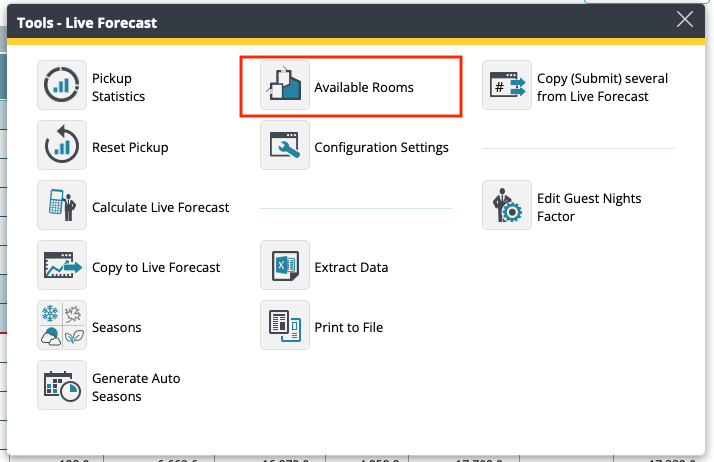
If you need to change the number of available rooms in PMI, do it in Live Forecast.
How to do it
- Open Live Forecast
- Go to Tools
- Select Available Rooms
- Enter the updated number of rooms for the relevant dates
- Save
Use this when rooms are temporarily unavailable, for example during renovation, out-of-order periods, or temporary closure.