
Several enhancements have been added to GM daily digest to improve dashboard configuration for the waterfall chart, revenue visibility, and insight accuracy. Below are more details about the latest updates.
Spa revenue added as a revenue stream
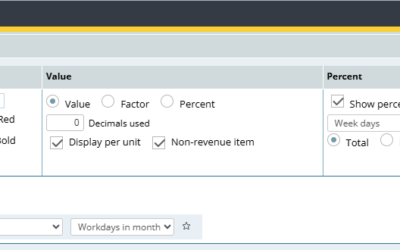
Spa revenue is now available as a separate revenue stream in GM daily digest.
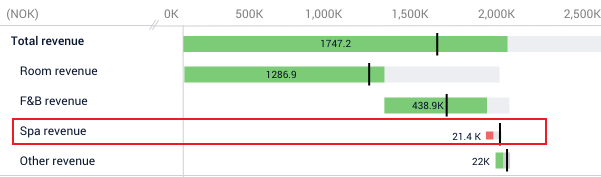
Image: Spa Revenue now added as a new revenue stream
Properties can now:
- Map departments to Spa revenue.
- Display Spa revenue separately in the waterfall chart.
- Include Spa revenue in GM daily digest reporting.
To align reporting across the platform, Spa revenue should also be added to the P&L GM daily digest report configuration where applicable.
Food cost source configuration
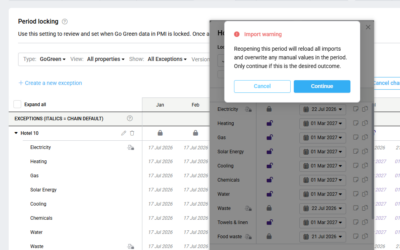
Users can now configure which data source should be used for food cost values in the GM daily digest for current and future months.
Available options include:
- Food cost cockpit data
- P&L live forecast data
- Do not include food cost in calculations
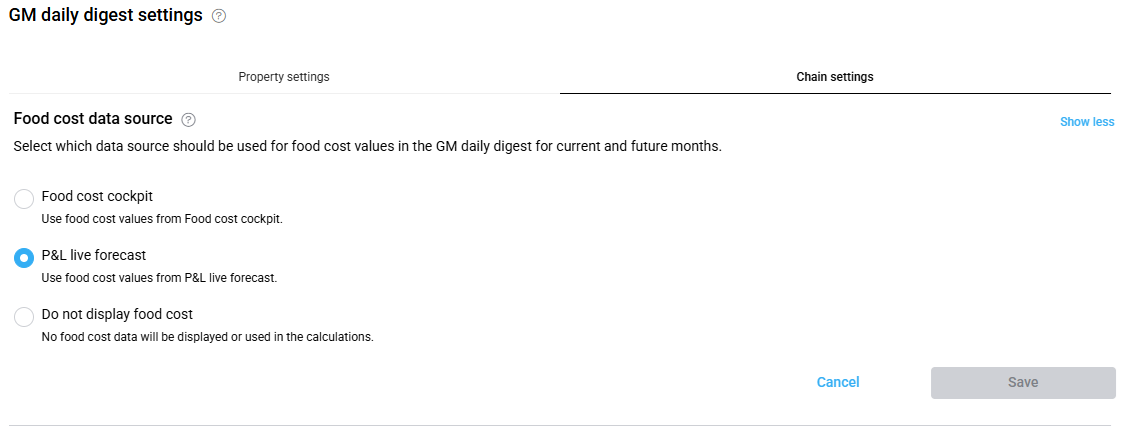
Image: Select the appropriate Food cost data source
Improved tooltips
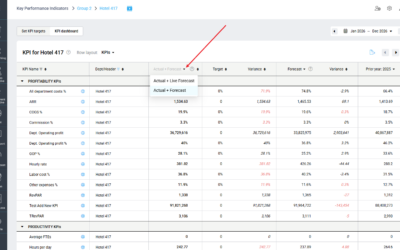
Several dashboard tooltips have been improved to help users better understand where data is coming from and how values are calculated.
Enhancements include:
- Accurate tooltip descriptions
- Revenue tooltips that now show included departments
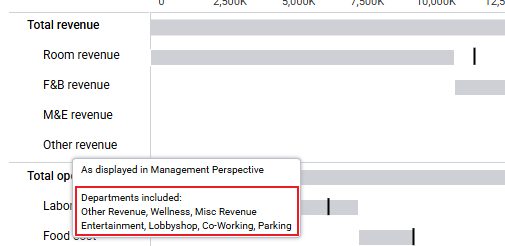
Image: Select the appropriate Food cost data source
New key insight alerts
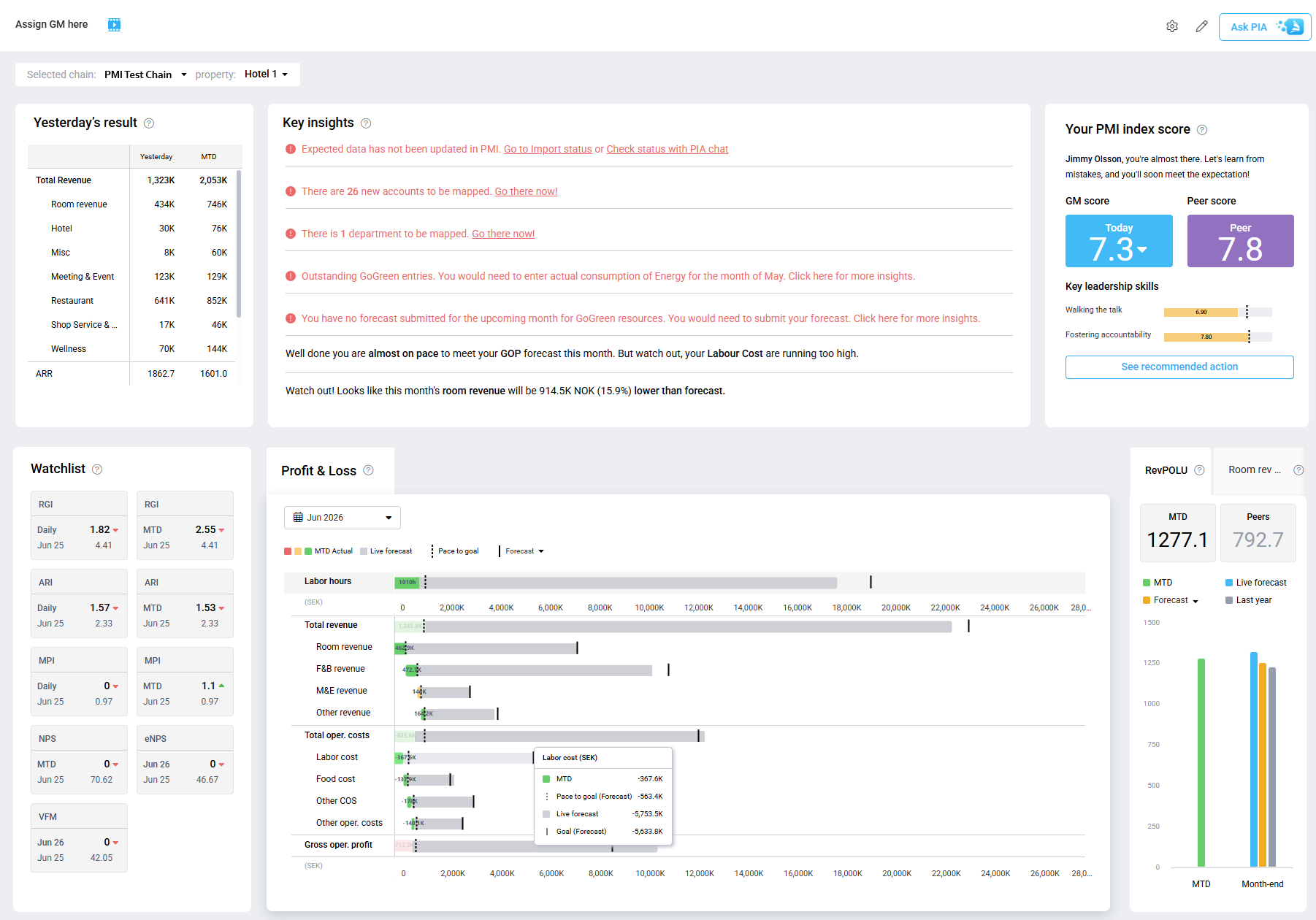
GM daily digest now displays additional alerts in Key insights when:
- Expected data has not been updated in PMI
- Accounts are unmapped
- TKS Categories or departments require mapping
The alerts include direct links to the relevant pages to help users resolve issues faster.
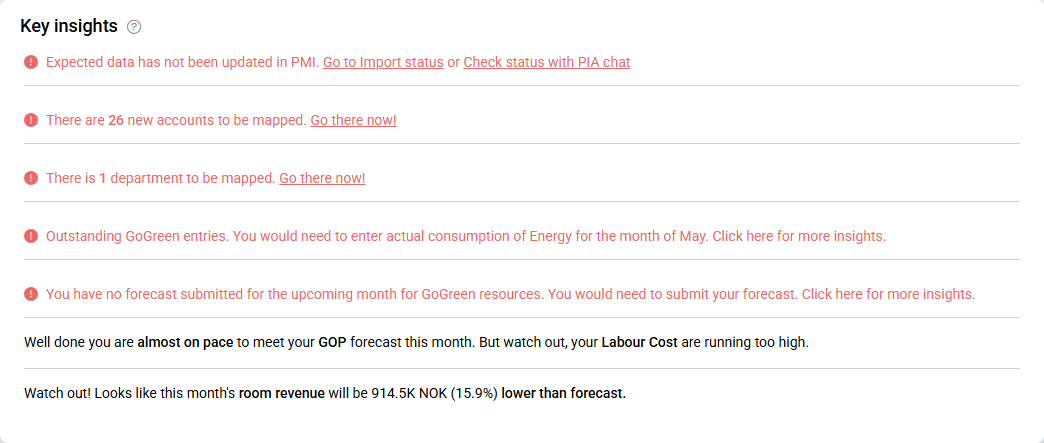
Image: Important mapping & data information now visible for the GM
Why this is useful
These enhancements help users:
- Configure which food cost data source should be used for current and future months.
- Keep Spa revenue separate from other revenue streams.
- Gain clearer insight through improved tooltip information.