
Express planner now gives you more control over how labor hours are handled when the Express planner planning period overlaps with existing staff schedules. This enhancement helps ensure labor plans align with your hotel’s preferred planning and scheduling process.
At a glance
New key features of the enhancement:
- Choose how labor hours are handled for overlapping periods
- Decide whether Express planner recalculates hours, uses scheduled hours, or keeps existing values
- Improve alignment between planning and operational schedules
What has changed
When the Express planner planning period overlaps with the schedule horizon in cockpits, you can now decide how labor hours for the overlapping period are treated.
The following options are available in labor hour settings:
- Use express planner calculation
Express planner recalculates labor hours for the overlapping period using the selected baseline and productivity logic.
- Use hours found in the schedules
Express planner uses the hours already planned in staff schedules.
- Don’t update hours
Express planner keeps the existing hours for the overlapping period and does not make any changes.
Previously, labor hours for overlapping periods were not updated. This enhancement provides flexibility to either update or preserve data, depending on how you manage your planning process.
Who can use it
Available for properties with Express planner enabled.
This change does not affect existing data unless Express planner is run again.
Access to the setting depends on user rights and chain-level configuration. Some settings may be locked at chain level.
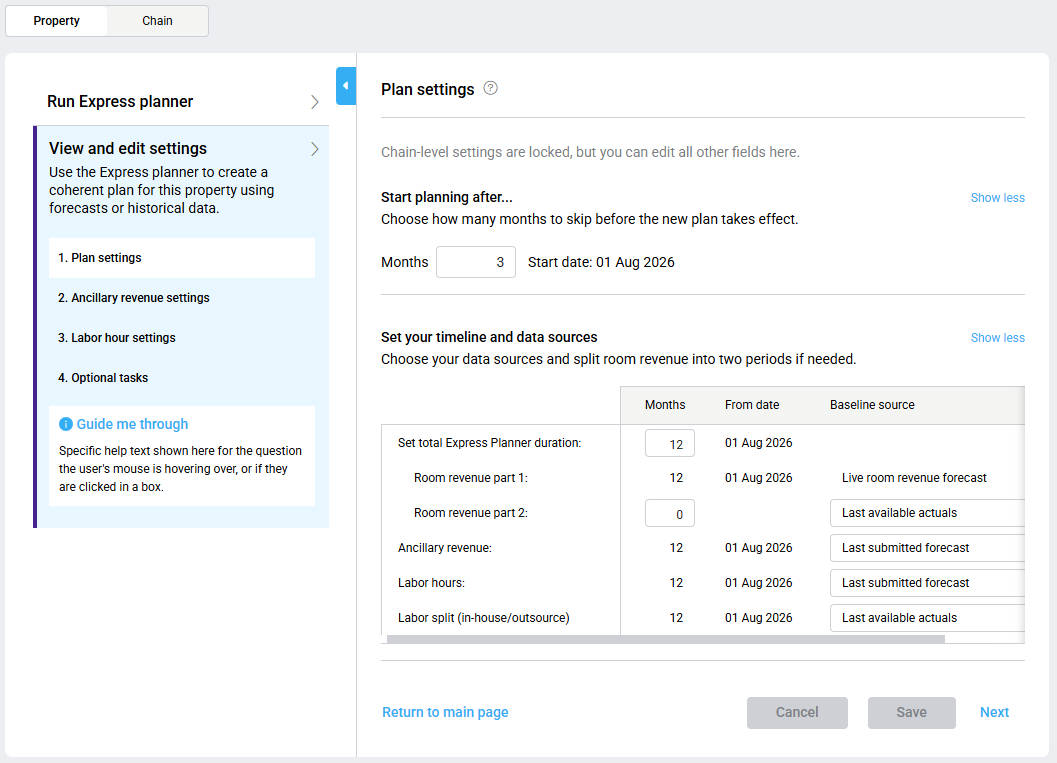
You can find this setting under Express planner settings → labor hours settings.
Cross-reference:
For an overview of Express Planner, please see Express planner overview and How to configure Express planner settings.