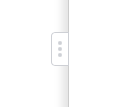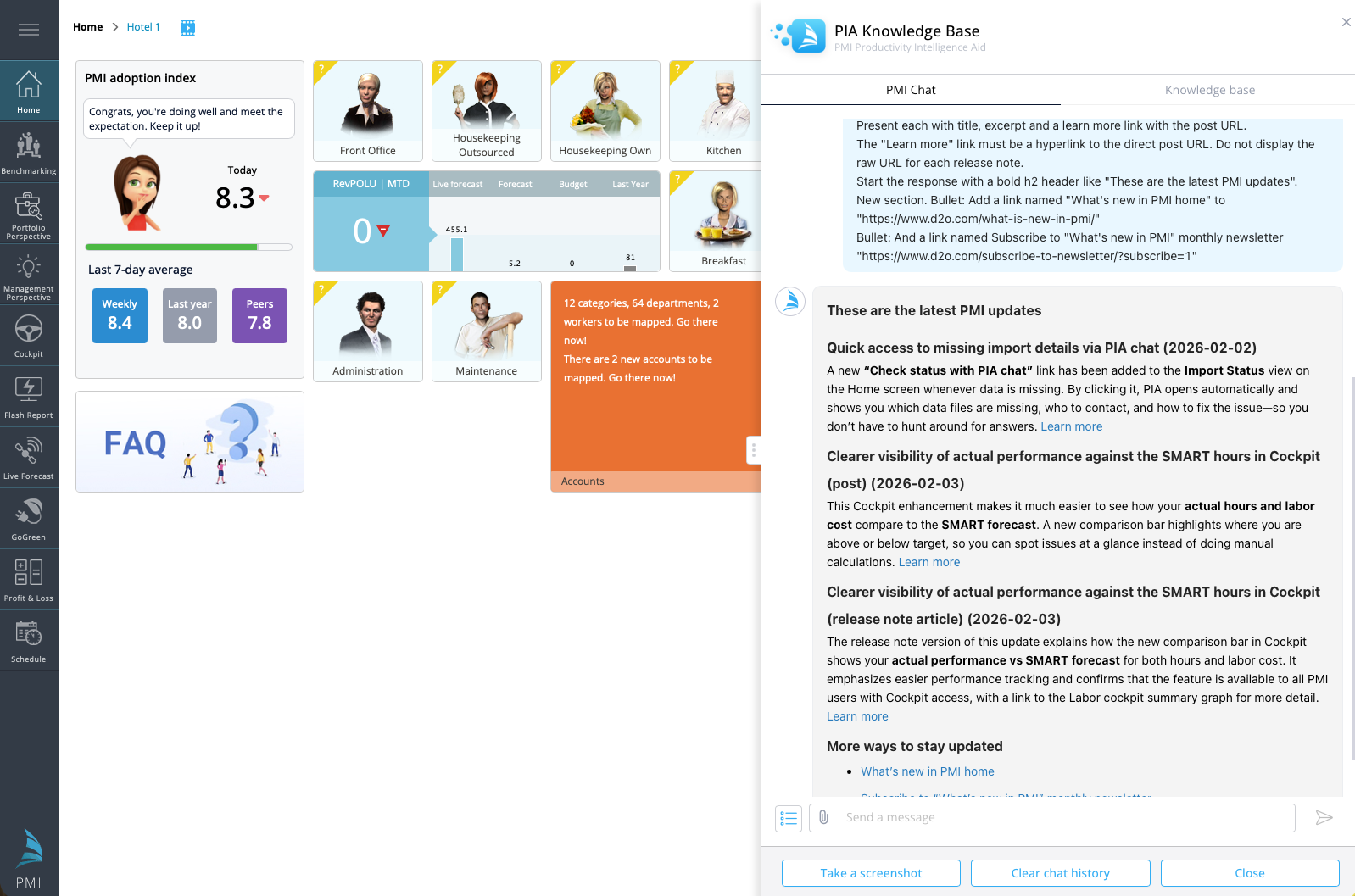

We’ve improved the PIA chat window with a new resize handle, giving you more control over how much space the chat uses on your screen. A visible resize handle is now always available on the edge of the chat window.
You can now:
- Drag the handle to make the chat window wider or narrower
- Adjust the size to better view longer responses and content
Default width
- The chat opens at the standard default width.
- The window cannot be resized smaller than this size to ensure usability.
Quick reset
- Double-click the resize handle to instantly restore the chat window to its default width.
This improvement makes it easier to read longer responses, review lists or release notes, and adjust the chat layout to better fit your workflow.