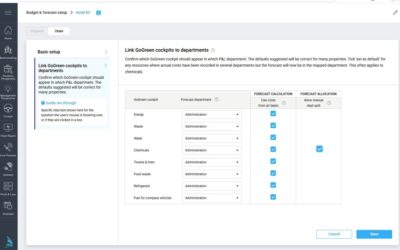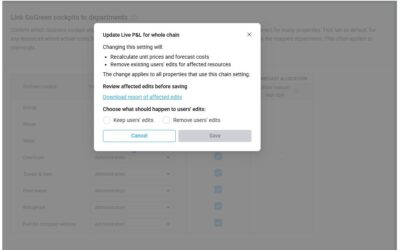

Issue: Users ask broad questions like “Where is my data?” or “What do these figures tell you about my productivity?”without providing sufficient context or visual input.
If you’re unsure why specific data or insights aren’t displaying as expected, ensure your query includes enough context. You can also use the Query Library, which offers premade queries tailored to common needs—screenshots are automatically added when required for these queries.
For custom queries, consider taking a screenshot of the relevant data or view by clicking the camera icon. Providing clear context or visuals helps the AI analyze your data more effectively and deliver accurate responses.