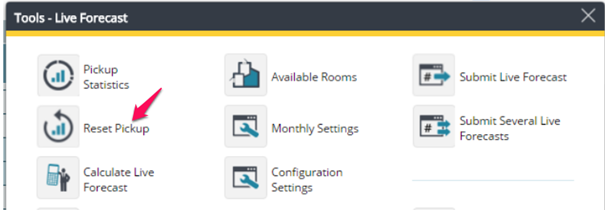
There are 2 different ways to reset pickups for future days.
From the Tools menu of the Live forecast module, you can choose to Reset Pick up, which will zero out the pickup columns for the remainder of the month.
Alternatively, you can click on the calculator (or triangle) to the left of the date; a yellow hand will appear and the revenue driver will be disabled for that day.